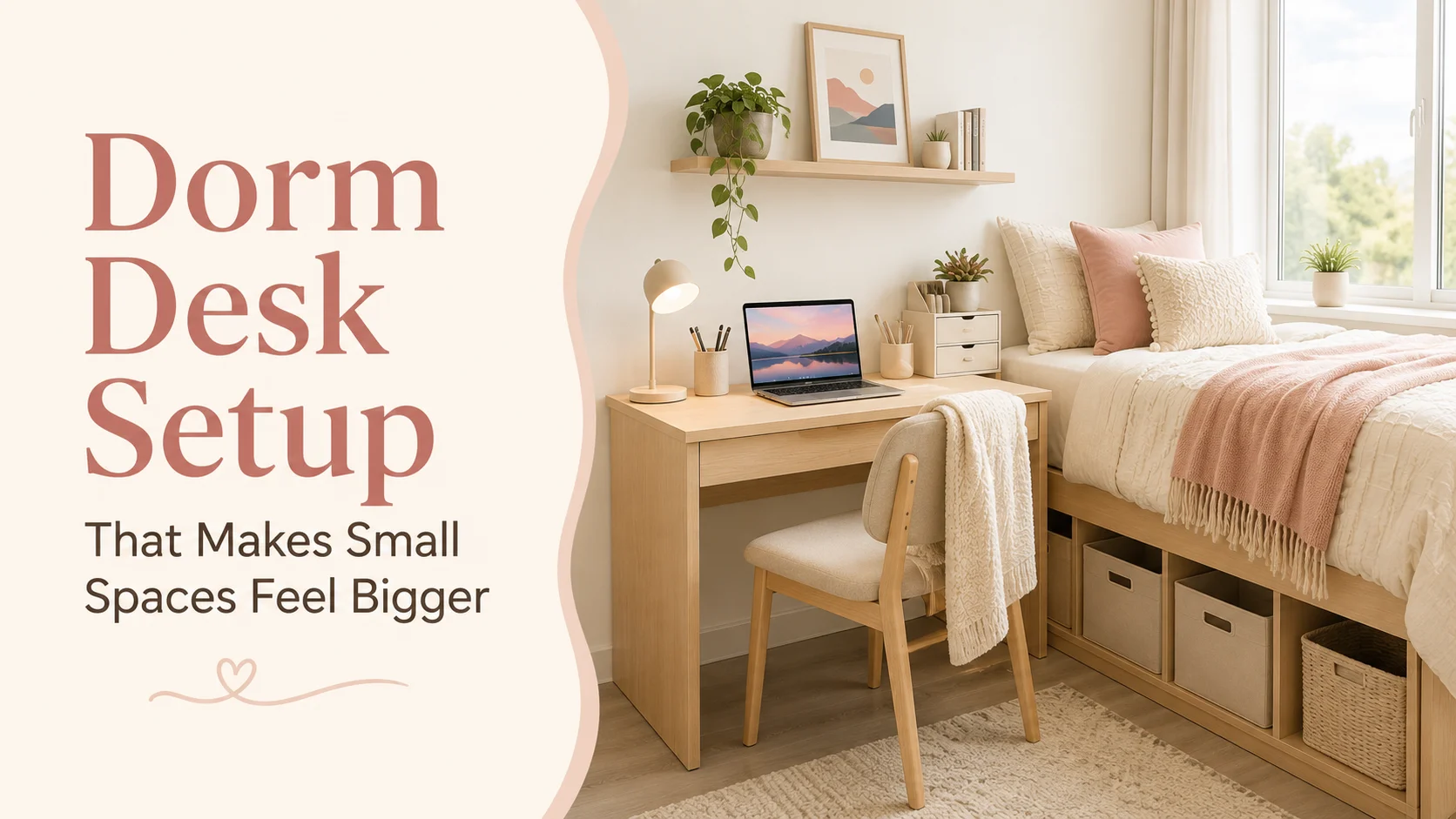
A dorm desk can become crowded quickly. A laptop, notebooks, chargers, textbooks, stationery, drinks, and everyday items can cover the surface before the semester has properly begun.
These 12 dorm desk setup tips focus on making a small study area feel larger by clearing the center, using vertical storage, simplifying the color palette, and moving less-used supplies away from the desktop.
Affiliate disclosure: This article contains affiliate links. HowItSee may earn a small commission from qualifying purchases at no additional cost to you.
A small dorm desk does not always need more storage. It often needs fewer items on top, better use of vertical space, and a layout that protects the central work area.
Before buying organizers or shelves, check the desk dimensions and residence hall rules. Some colleges restrict wall-mounted products, adhesives, power accessories, and furniture modifications.
Simple rule: Keep daily-use items on the desk. Move backup supplies, extra electronics, personal-care products, and rarely used items into drawers, bins, or storage beside the desk.
Quick Navigation
Why A Dorm Desk Feels Smaller Than It Is
The main problem is often visual clutter rather than the actual desk dimensions. When every supply remains visible and every cable crosses the work area, the desk feels crowded even when there is technically room left.
A desk feels more spacious when the center stays open, related items are grouped together, and storage is moved upward or beside the desk instead of spreading across it.
| Common Problem | Why It Feels Crowded | Simple Fix |
|---|---|---|
| Too many items on top | The usable surface is divided into small areas. | Keep one organizer and move backup supplies elsewhere. |
| Bulky accessories | Large bases make the area feel heavy. | Choose slim, light, or clear products. |
| Loose cables | Wires create visual noise. | Use clips, ties, and a safe cable route. |
| No vertical storage | Everything remains on the desktop. | Use an approved pegboard, grid, shelf, or wall pocket. |
For help coordinating the desk with the rest of the room, read our guide on choosing a dorm room color scheme.
1Use A Light Color Palette
Light colors can make a compact desk feel brighter and less visually heavy. White, cream, beige, pale grey, clear acrylic, and light wood work well for organizers, lamps, trays, and desk accessories.
Add personality with one muted accent such as sage, blush, lavender, or soft blue. Keeping the larger pieces light helps the setup feel open.
2Move Storage Upward
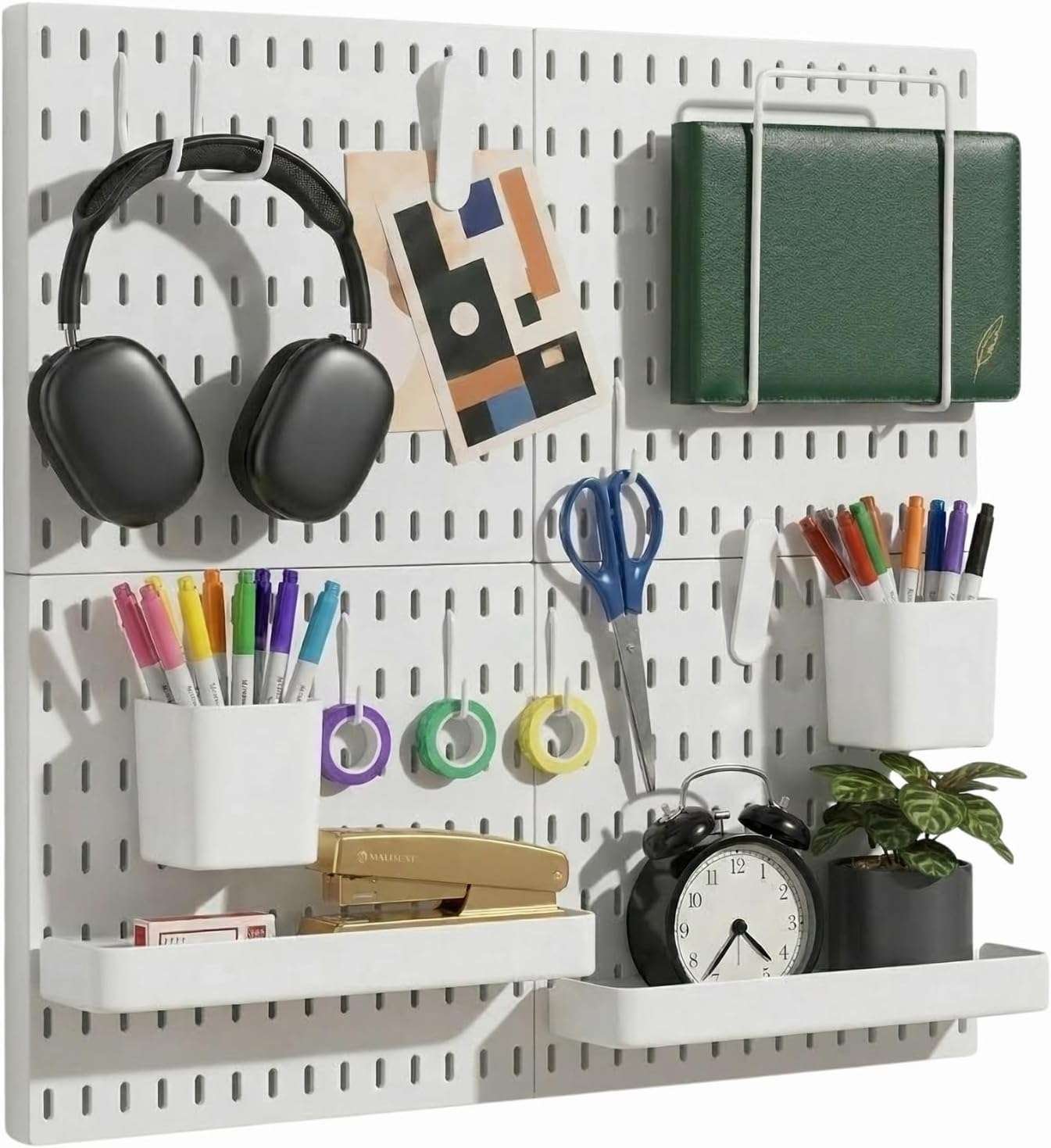
When the desktop is small, the wall and area above it become valuable. A pegboard, wall grid, approved shelf, or hanging pocket organizer can hold supplies without covering the work surface.
Vertical storage works well for pens, sticky notes, scissors, headphones, photos, and small notebooks.
3Use One Main Desk Organizer
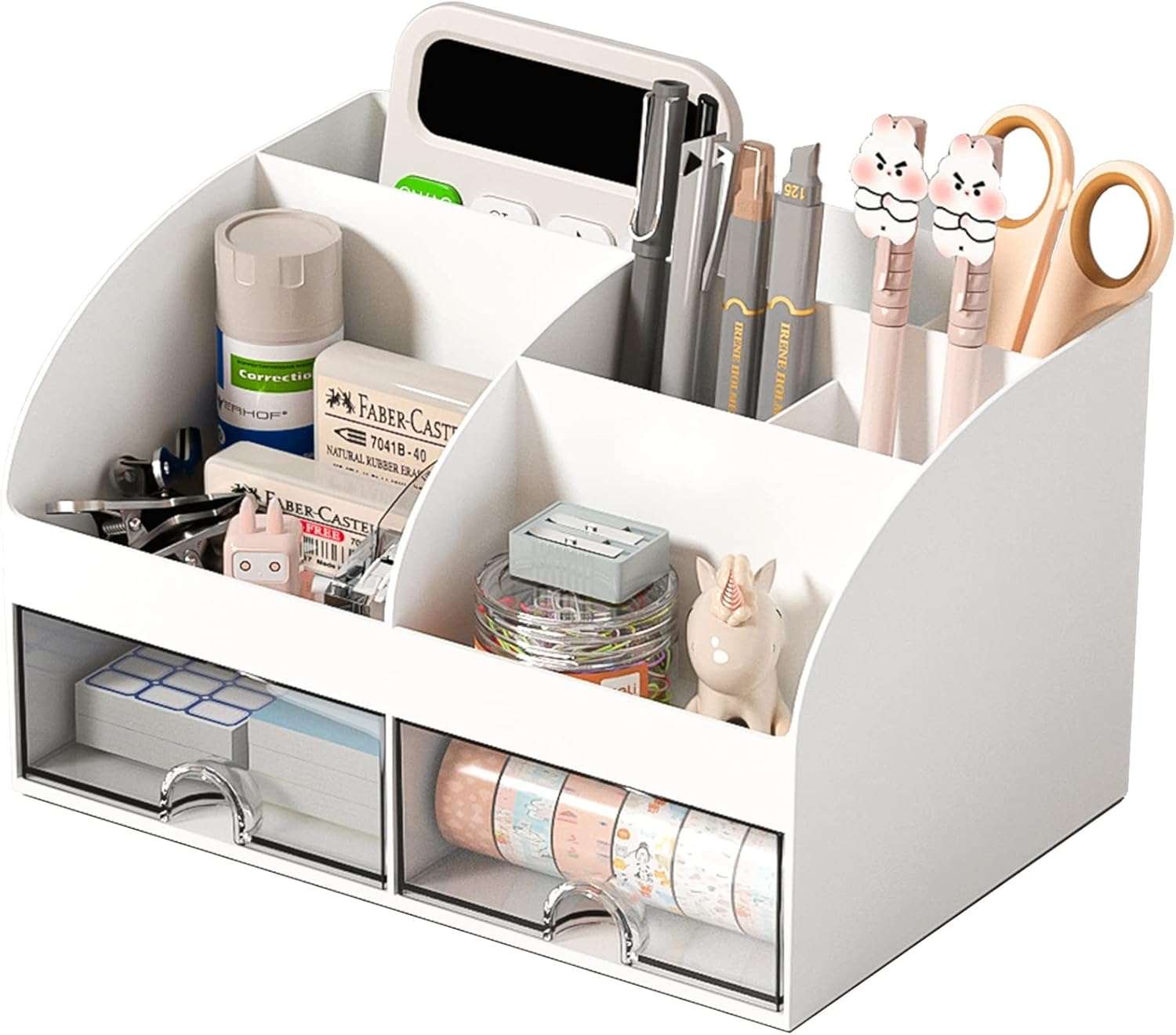
Several small cups, trays, and baskets can make the desk look busy even when each item is organized. One larger organizer creates a cleaner visual line.
Choose upright sections for notebooks and smaller compartments for pens, sticky notes, cables, and stationery.
4Lift The Laptop With A Stand
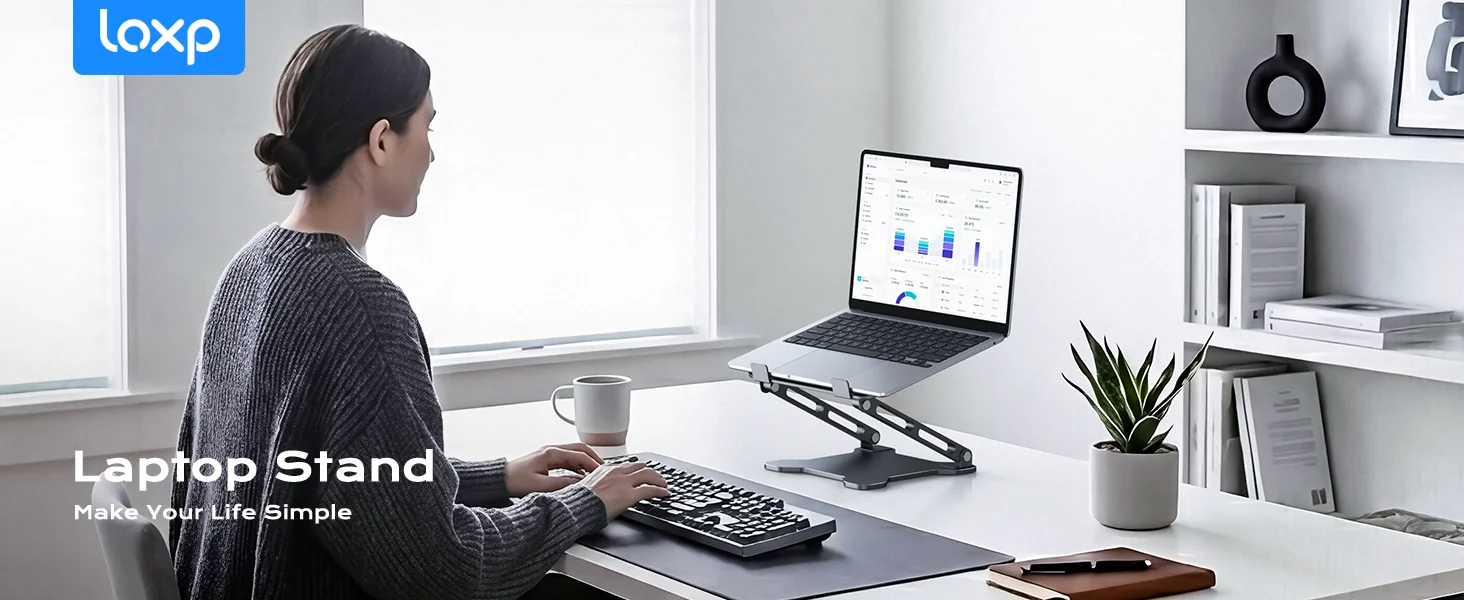
A laptop stand raises the screen and creates usable room below it. A keyboard, notebook, planner, or shallow drawer can slide underneath when not in use.
The raised setup also makes the desk look more structured when the laptop is the main screen for classes and assignments.
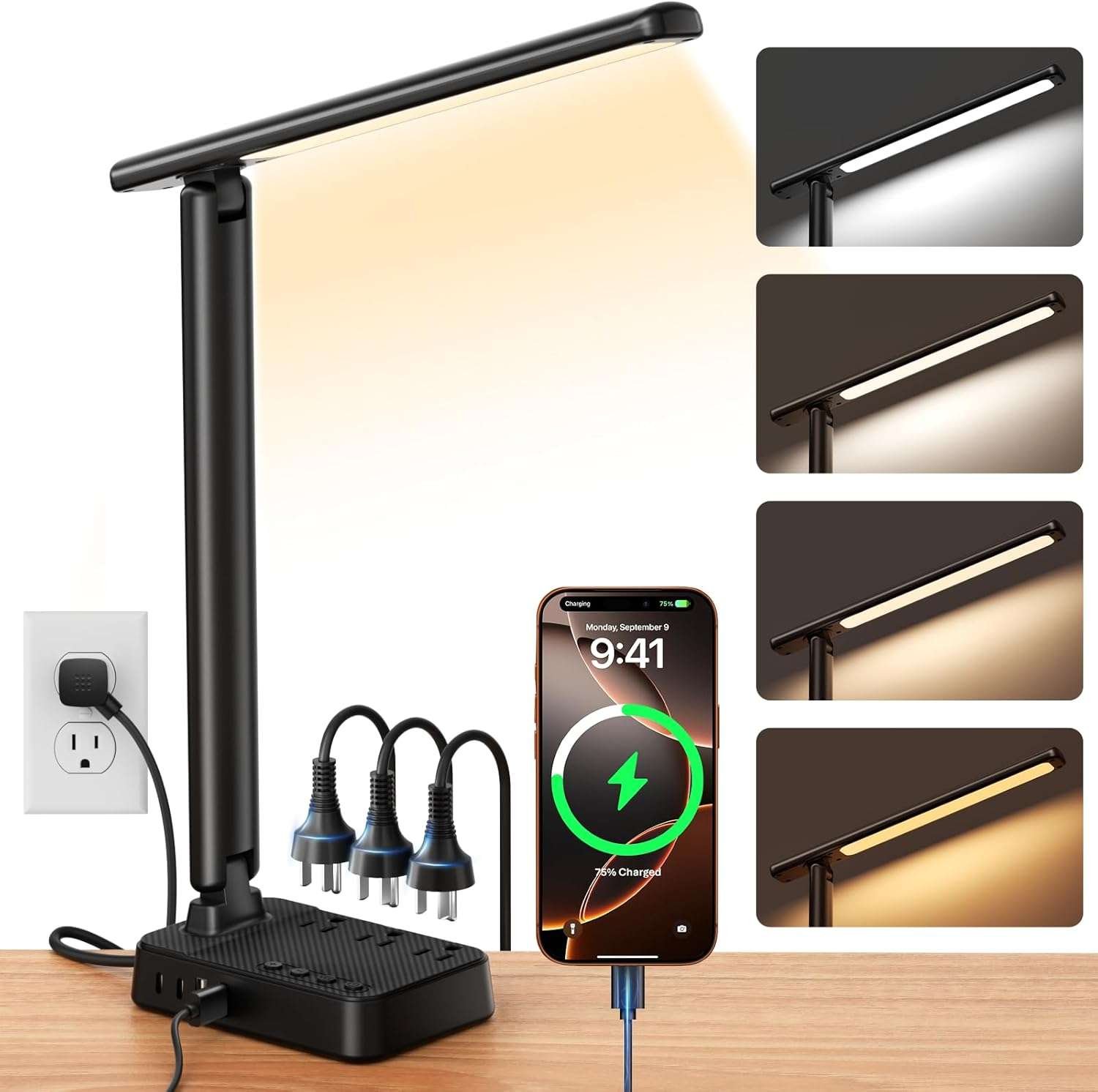
5Choose A Slim LED Desk Lamp
Focused lighting can make a small workspace feel brighter and easier to use. A narrow LED lamp provides useful light without taking up the space of a bulky decorative base.
Adjustable brightness and color temperature help with daytime work, evening reading, and studying while a roommate sleeps
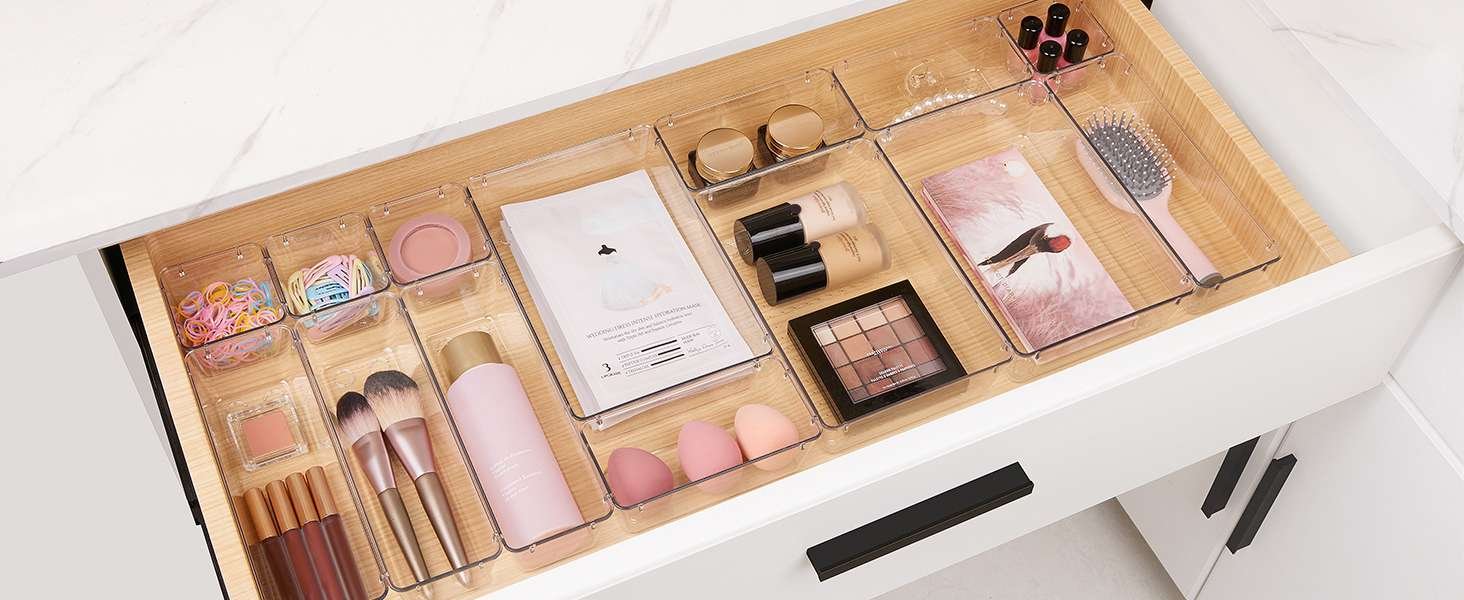
6Use Clear Storage Drawers Carefully
Clear drawers can hold chargers, headphones, pens, sticky notes, makeup, clips, and other small items without adding a heavy block of color.
They work best when each drawer has a specific purpose. Overfilled transparent storage can still look cluttered because everything remains visible
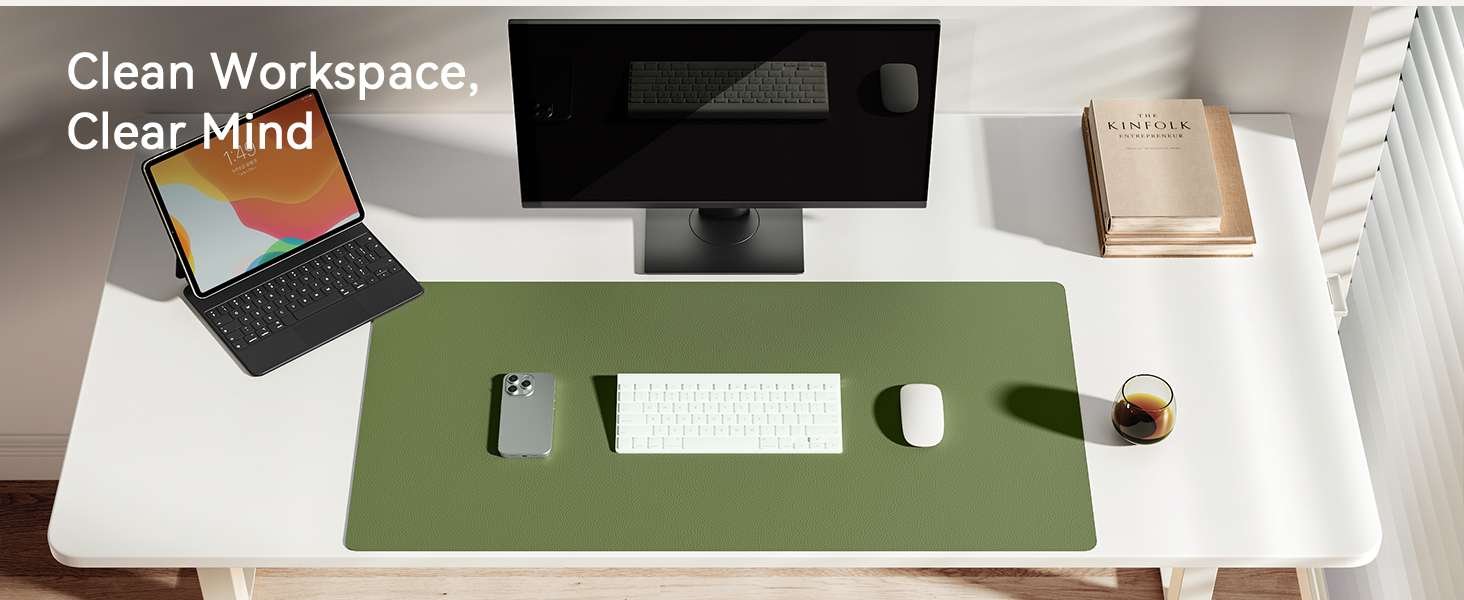
7Define The Work Area With A Desk Mat
A desk mat visually groups the keyboard, mouse, planner, and notebook into one clear work zone. Separate objects feel more organized instead of scattered.
A neutral mat also protects the surface and can double as a large mouse pad. Leave some desktop visible around it.
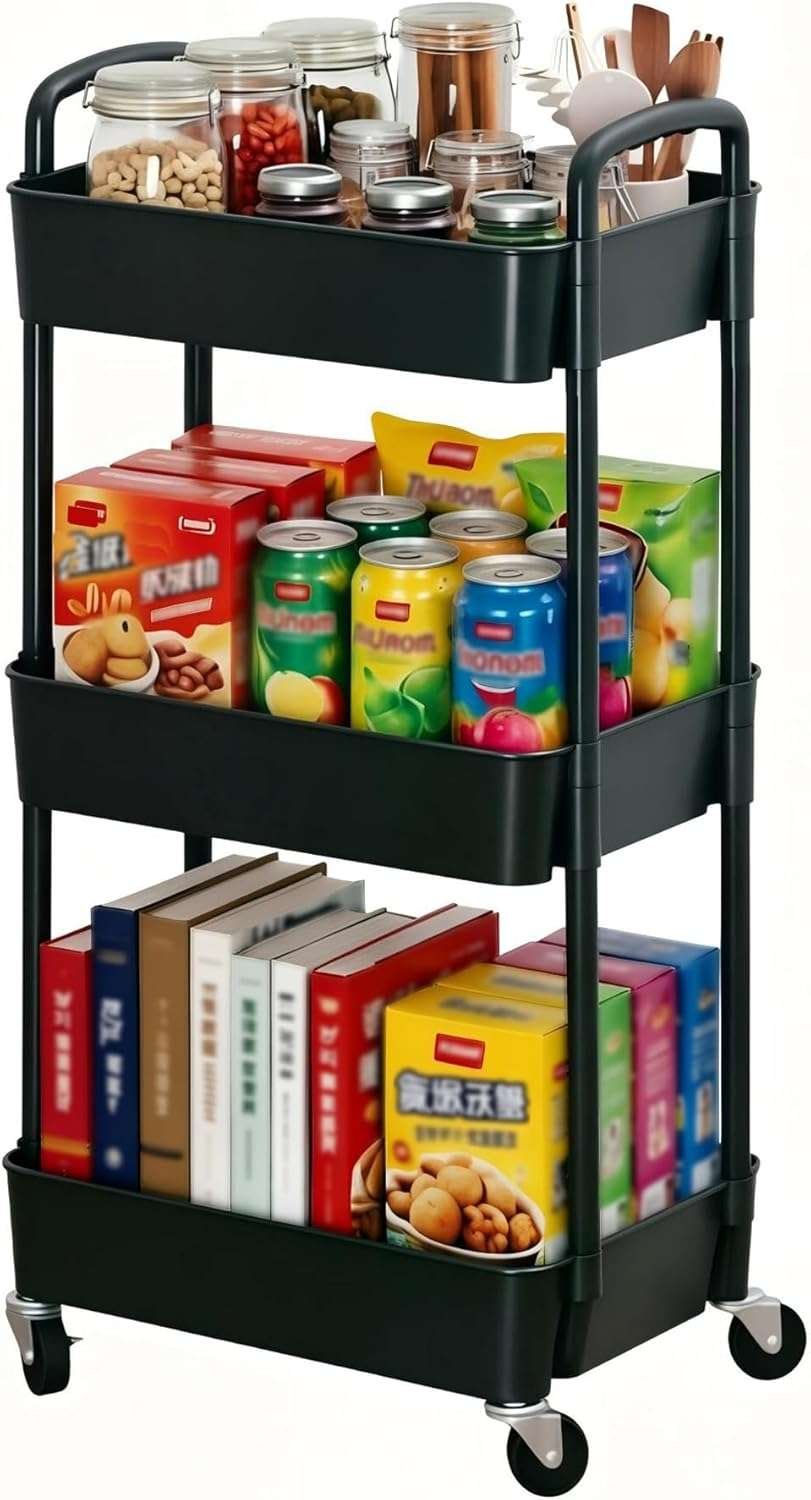
8Place A Rolling Cart Beside The Desk
A slim rolling cart can hold books, notebooks, snacks, skincare, electronics, or backup stationery that does not need to remain on the desktop.
It can be moved while cleaning or repositioned when more floor space is needed, making it more flexible than a fixed cabinet
9Control Cables And Chargers
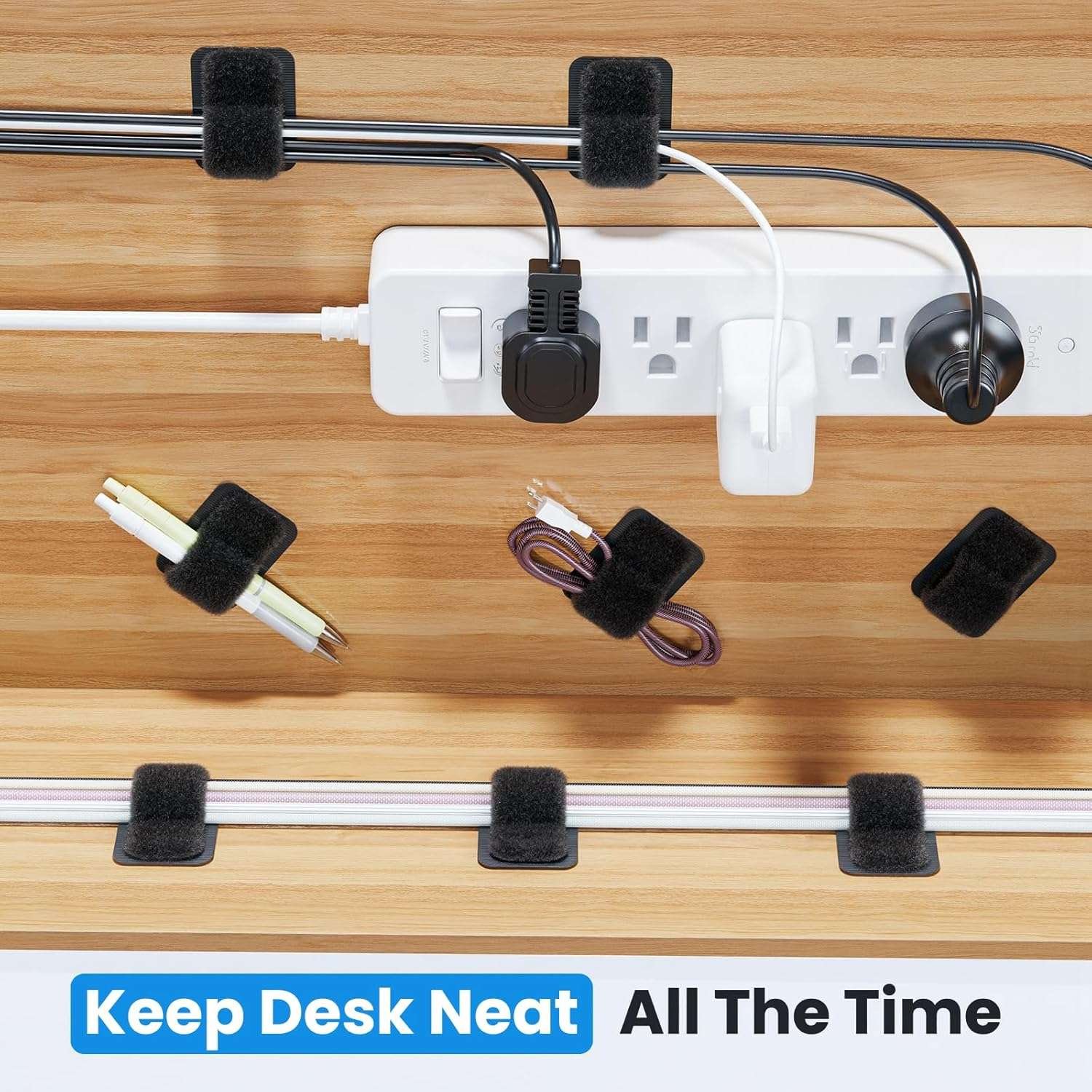
Loose laptop chargers, phone cables, lamp wires, and power-strip cords create visual clutter even when the rest of the desk is tidy.
Cable clips, reusable ties, cord holders, charging stations, and management boxes can keep wires grouped and stop them from falling behind furniture.
10Keep Only Daily Essentials On Top
The desk feels larger when the center remains open. Keep only the items used most days, such as a laptop, lamp, planner, pen organizer, and water bottle.
Backup supplies, extra notebooks, personal-care products, and rarely used electronics should move into drawers, bins, or the rolling cart.
11Add One Small Greenery Piece
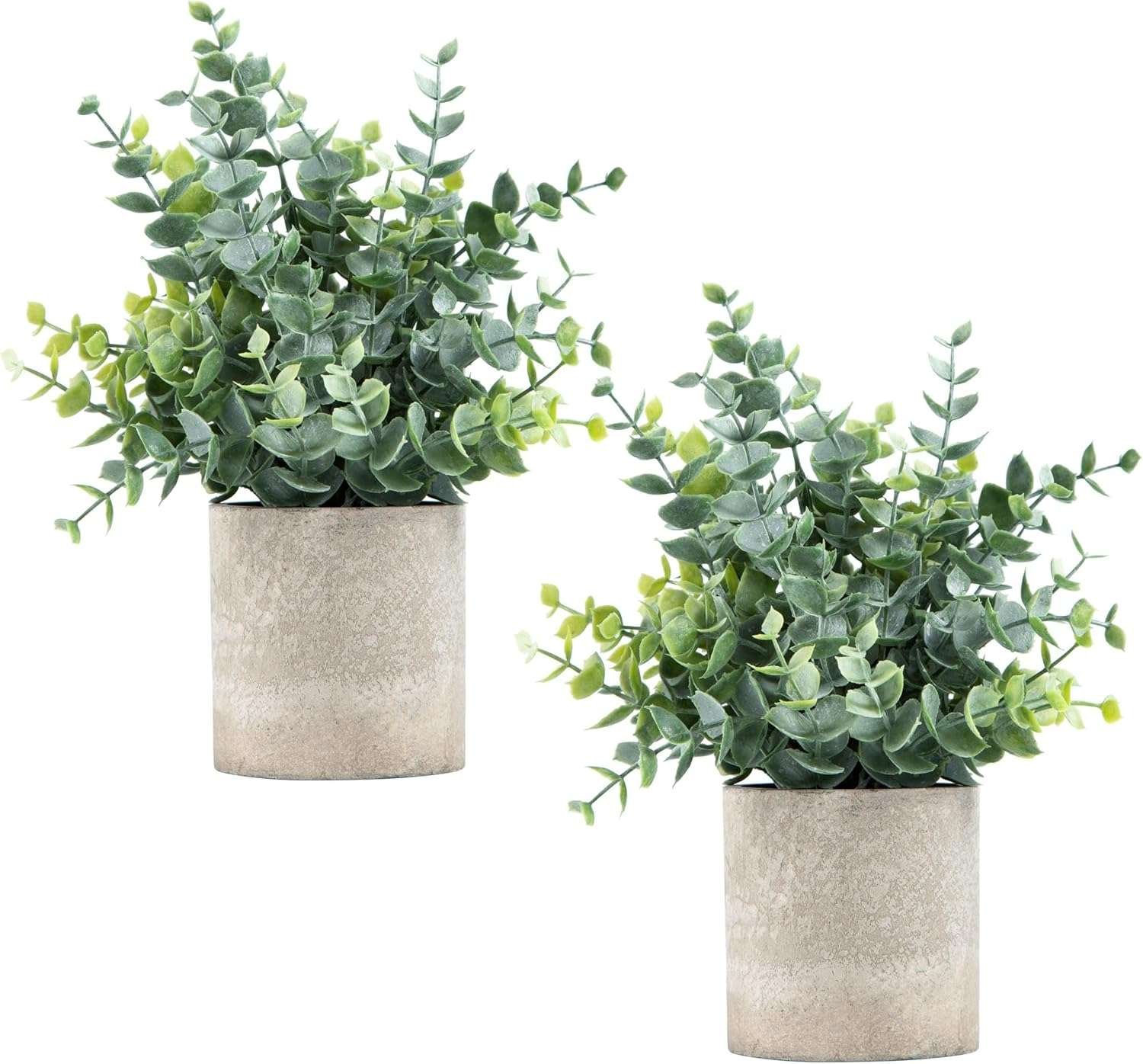
A compact plant can soften the study area and add color without requiring several decorative objects. Use a real plant only when the room has suitable light.
A small faux plant is easier in darker dorms or during busy weeks. Keep it away from the laptop screen and main writing area.
12Use A Book Stand While Studying
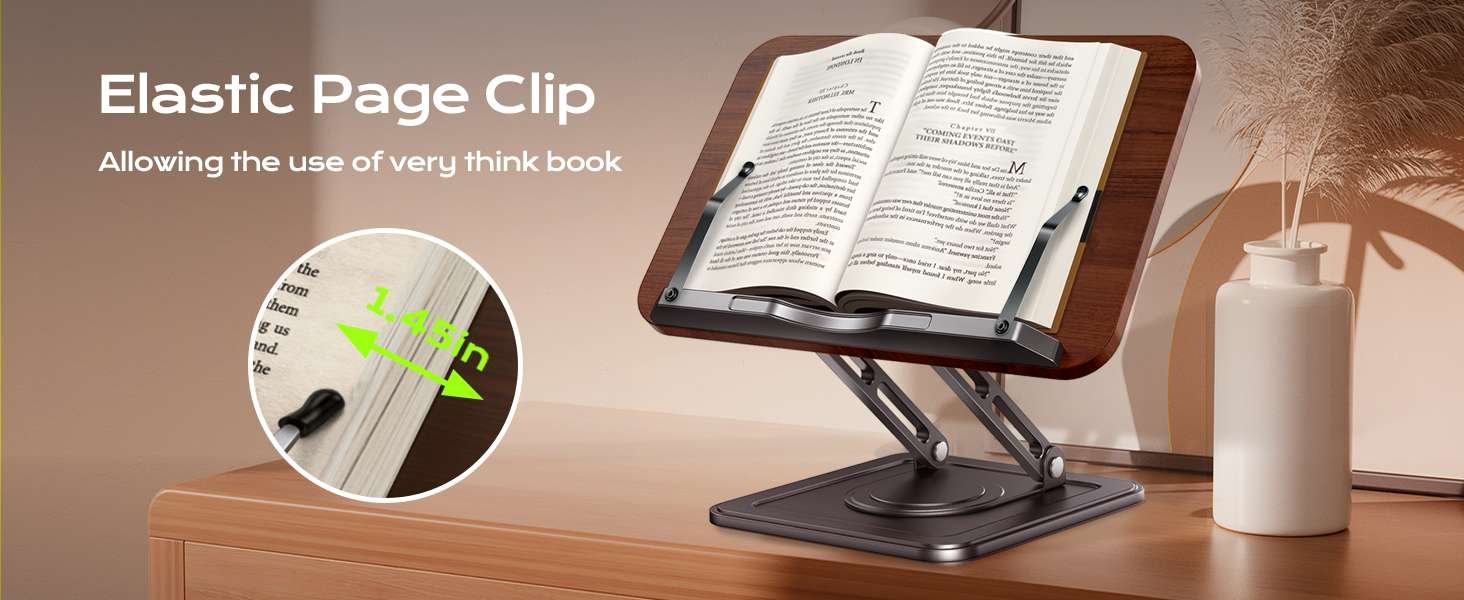
A book stand keeps a textbook, workbook, or notes upright instead of using most of the desk surface. This leaves more room for a laptop and notebook.
It is helpful when studying from several sources or following instructions while completing assignments
Dorm Desk Setup Checklist
| Desk Item | Main Purpose | Small-Space Choice |
|---|---|---|
| Desk organizer | Keeps supplies together | One vertical organizer |
| Laptop stand | Opens space below | Stable, adjustable, foldable stand |
| Desk lamp | Provides focused lighting | Slim lamp with adjustable brightness |
| Clear drawers | Stores small items | Stackable drawers with categories |
| Rolling cart | Moves supplies off the desk | Slim three-tier cart |
A Practical Layout For A Small Dorm Desk
- Center: Laptop, keyboard, notebook, or current assignment
- One side: Slim desk lamp
- Other side: Main organizer or water bottle
- Under the laptop: Keyboard, planner, or shallow drawer
- Beside the desk: Rolling cart or narrow storage bin
For more ways to use the surrounding room efficiently, see our smart dorm room storage hacks.
More Dorm Room Guides
FAQs About Dorm Desk Setups
How can I make a small dorm desk feel bigger?
Keep the center clear, use light or transparent organizers, move storage upward, raise the laptop, and organize visible cables.
What should stay on a dorm desk?
Keep only daily-use items such as the laptop, lamp, planner, one organizer, and water bottle. Store backup supplies and personal-care products elsewhere.
Are clear organizers useful on a small desk?
Yes, provided they are not overfilled. Clear storage reduces visual heaviness and makes small items easier to locate.
What colors work best for a compact desk?
White, cream, beige, light grey, pale wood, and clear acrylic can make the area feel brighter. Add one muted accent color for personality.
Is a rolling cart worth using beside a dorm desk?
A slim cart can be useful when it removes books and backup supplies from the desk. It should not narrow the walkway or block drawers.
Final Thoughts
A dorm desk feels larger when the layout protects the main work surface. The goal is not to fit as many organizers as possible—it is to keep essentials accessible while moving everything else out of the way.
Start with one organizer, a slim lamp, cable management, and a clear center. Add a laptop stand, rolling cart, or vertical storage only when it solves a specific problem.
A simple, bright, and organized desk is easier to study at and helps the entire dorm room feel less crowded.

Meet Monty, the visionary founder of How It See, being an engineering student, he’s fueled by an insatiable curiosity about the world around him. He is captivated by an eclectic correlation between animal groups, science, and nature, and this fascination drives his quest for understanding.
After completing his degree, he’s set on a mission to delve deep into the realm of nature, accumulating knowledge to share with you through his writing. In the meantime, he loves to watch anime and read anime.